

The Trustless Operating System for sovereign computing.


This guide details how to buy NOX on Uniswap, a decentralized exchange, and will prove useful should you encounter a situation where your wallet of choice does not detect the NOX token. Some wallets fail to show a new token until you add it by contract, so this flow gives you a direct path.
Here you connect a Web3 wallet, paste the contract address, set slippage, and complete the swap. These steps explain how to buy NOX on Uniswap with a simple and clear setup.
1. Open Uniswap in your browser
Go to app.uniswap.org on a secure device.
Check the URL before you start.
You need a Web3 wallet such as MetaMask, Phantom, Rainbow, Exodus, or Ledger.
2. Connect your wallet
Tap Connect Wallet.
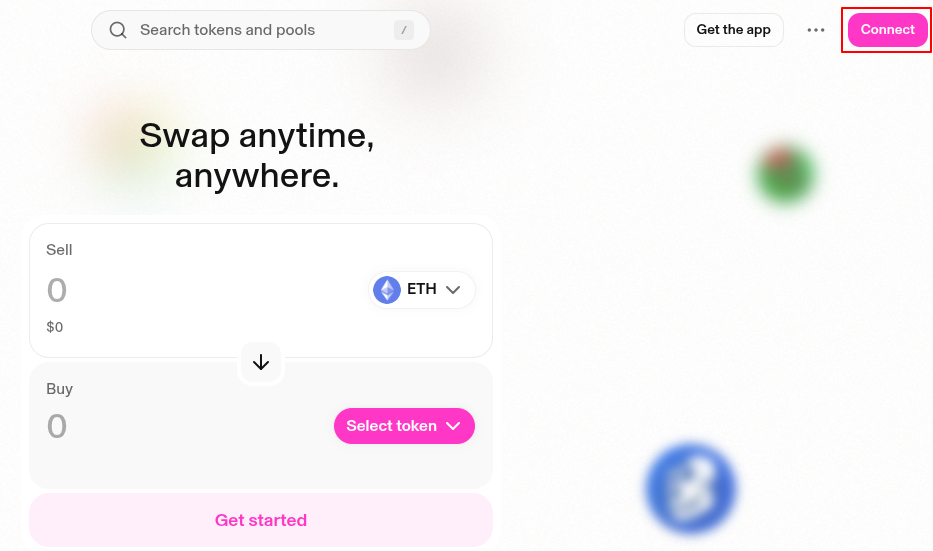
Pick your wallet from the list.
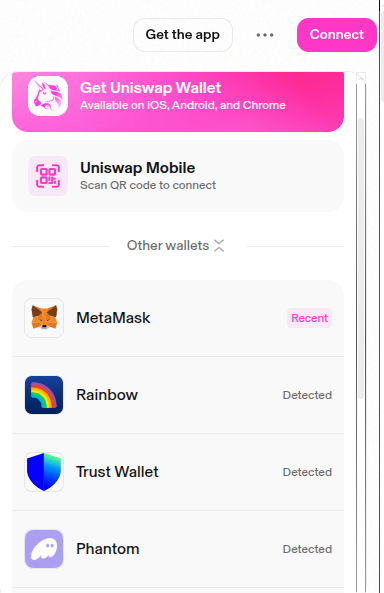
Approve the request inside your wallet.
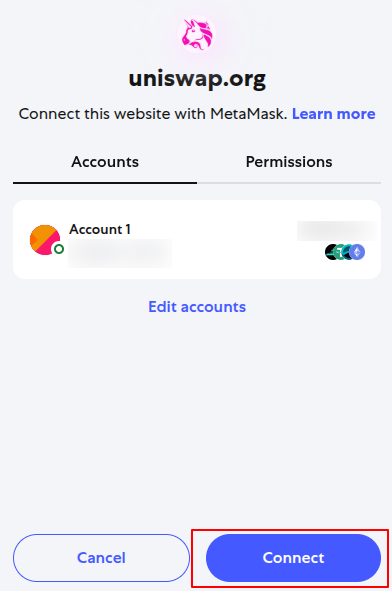
3. Select ETH as your input token
Set From to ETH.
Confirm that your wallet holds enough ETH for the swap and for gas fees.
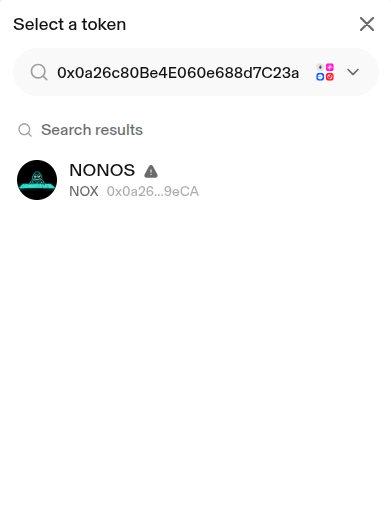
4. Add NOX as the output token
Tap the token picker in the To field.
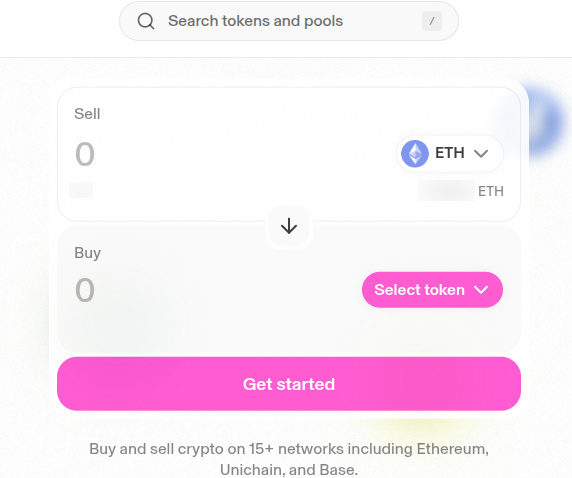
Paste the official NOX contract address:
0x0a26c80Be4E060e688d7C23aDdB92cBb5D2C9eCA
Uniswap loads NOX for you.
Select NOX to lock it into the swap form.
Tap the settings icon.
Set slippage to 3–5% to allow for the transfer tax.
Close the settings panel.
5. Enter the amount and complete the swap
Enter the amount of ETH you want to trade.
Review the quote and impact.
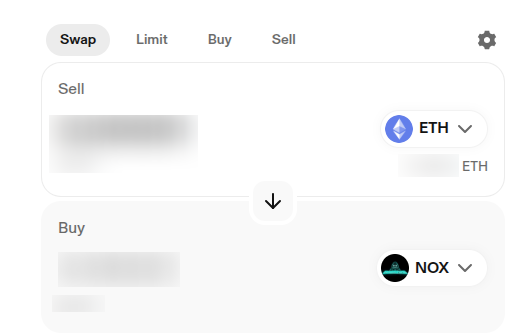
Tap Swap, then tap Confirm Swap.
Approve the action inside your wallet.
Wait for the Ethereum network to confirm the swap.
6. Check your NOX balance
Return to your wallet.
If NOX does not show, add it as a custom token using the same contract address.
Your balance updates once the wallet reads your account state.
Buying NOX on Uniswap works the same for any wallet that supports Web3. If a swap does not pass, check your gas, adjust slippage, or retry with a smaller size. For more guides on each wallet, see the main how to buy the NOX token section on the NONOS site.
The Trustless Operating System for sovereign computing.