

The Trustless Operating System for sovereign computing.


Phantom supports Ethereum and has a built-in swap flow. This section shows how to buy the NOX token in Phantom by using the search feature, funding with ETH, then swapping. You can start from search if you already hold ETH, or buy ETH first and then return to search.
1. Install or update Phantom.
Download or update Phantom to the latest version. Open the wallet and switch the active network to Ethereum using the network selector at the top of the screen.
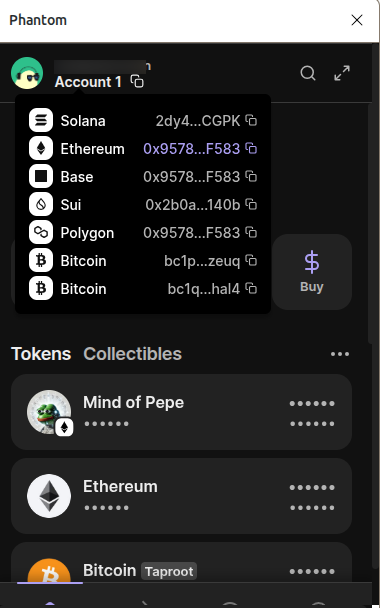
2. Find NOX using the search feature.
This step is key in Phantom, as it handles token discovery and swap from the same flow.
Tap the search icon (magnifying glass) at the top of the main screen.
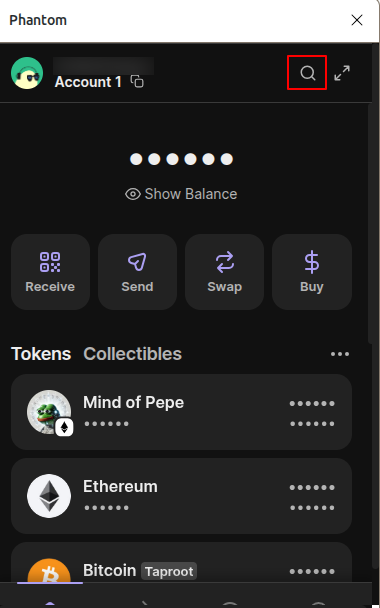
In the search field, paste the official NOX contract address:
0x0a26c80Be4E060e688d7C23aDdB92cBb5D2C9eCA
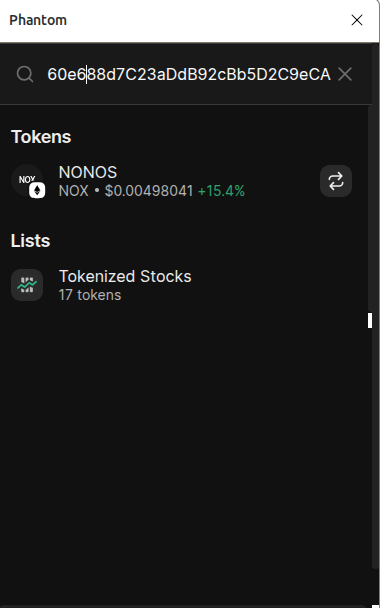
Phantom shows NOX as a token result. Tap the NOX entry to open its token page.
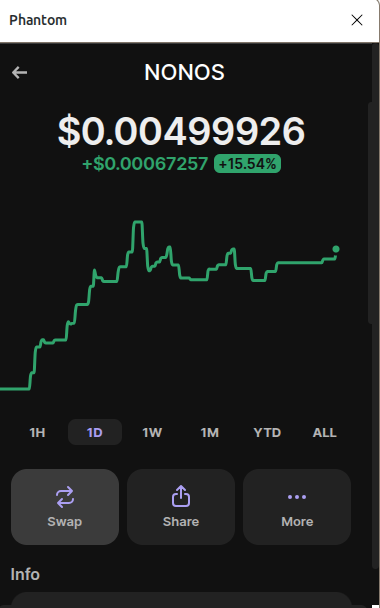
On this screen, you can mark NOX so it appears in your list, and you can also start a swap from here if you already have ETH.
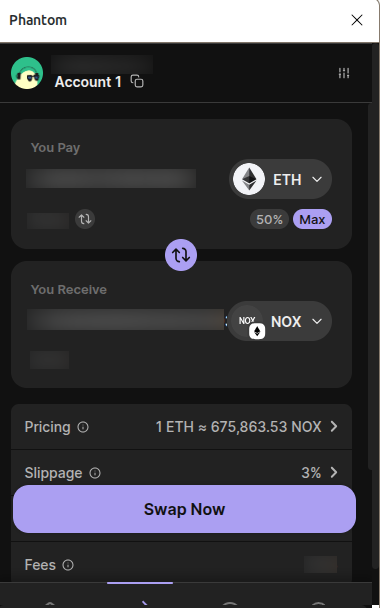
3. Fund your wallet with ETH (if needed).
If you do not yet have ETH on Phantom:
Go back to the main screen and tap Buy.
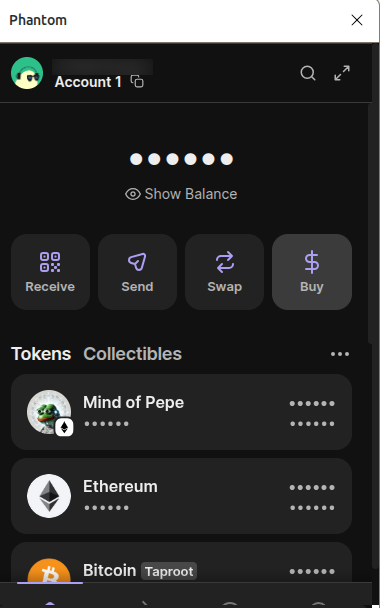
Select Ethereum (ETH) and then enter the amount of ETH you want to purchase.
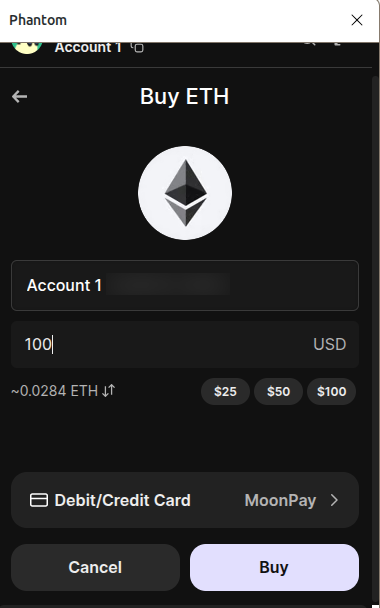
Pick a provider such as MoonPay, Transak, or another on-ramp shown in the app.
Complete the payment steps and any required KYC. ETH will appear after the transaction confirms on Ethereum.
Go back to step 2 above and swap ETH for NOX from the NOX token screen.
4. Confirm and verify.
Wait for the transaction to confirm on Ethereum. Once confirmed, your NOX balance appears under your Ethereum assets. If you do not see it, use the search icon again, paste the contract, open the NOX token page, and make sure it is set to show in your wallet.
Phantom supports WalletConnect and in-app browser connections. If you prefer, you can also use uniswap, connect Phantom, paste the NOX contract, set 3–5% slippage, and complete the swap there.: In all cases, confirm the address is 0x0a26c80Be4E060e688d7C23aDdB92cBb5D2C9eCA before approving a swap.
The Trustless Operating System for sovereign computing.